Using AI well.
AI can be an answer-machine that does the thinking for you, OR it can be a tutor that helps your brain get smarter. The difference is HOW you ask. Four quick activities — by the end you'll know the secret.
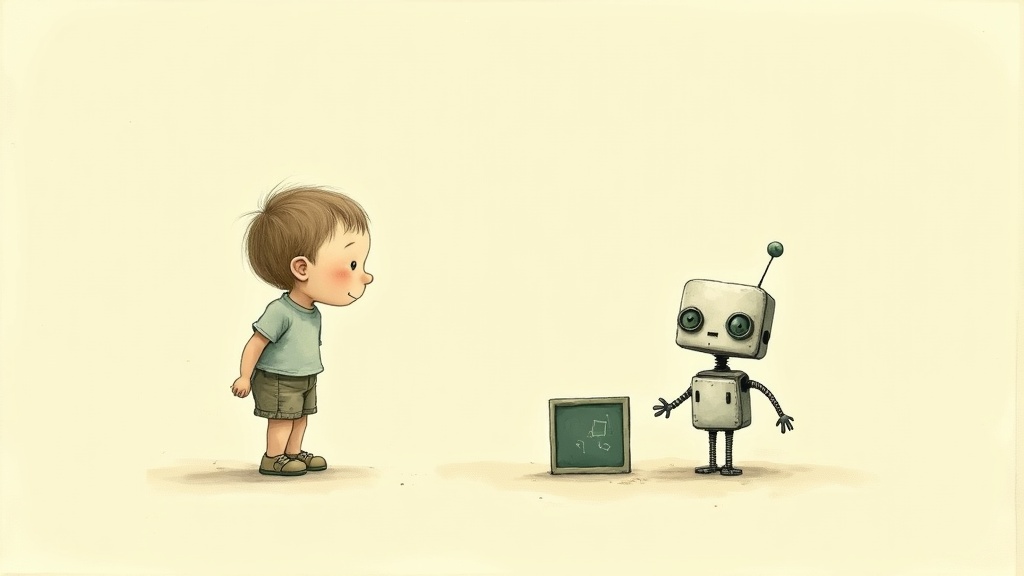
Tell AI about you. Watch the magic.
The same homework topic, two different prompts. One is fuzzy. The other tells AI who you are and what you actually need. See the difference for yourself — then hit "Try a different topic."
The fuzzy prompt got a fuzzy answer — useful to no one in particular. The specific prompt told AI: who you are, what you already know, what you're stuck on, and what kind of help you want. AI used all of that. There's a name for this skill: prompting. The shortcut: tell AI "I'm [age/grade]. I'm working on [topic]. I'm stuck on [the part]. Can you [the kind of help]?"
(Worried an AI answer might be wrong? Good instinct — you'll get three super-questions for checking AI later in this room.)
AI as answer-machine vs. AI as tutor.
Same math problem. Two ways to ask. One gives you the answer (and you learn nothing). The other helps you figure it out (and your brain gets stronger). Watch them side by side.
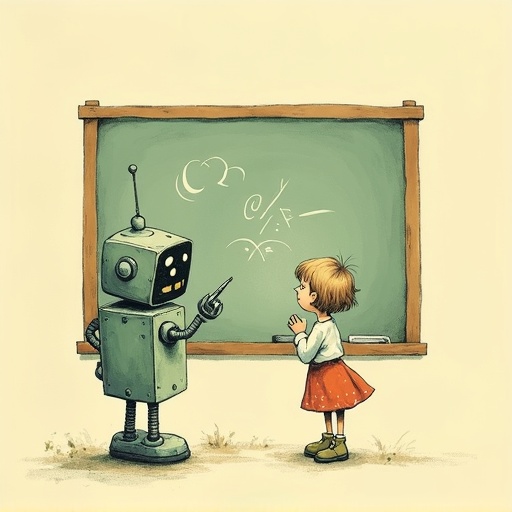
One prompt asked for an answer. The other asked for help thinking. Both got what they asked for — the kid who asked for the answer got it, and learned nothing. The kid who asked for the tutor got smarter.
"Wait, but you just said AI gets things wrong!" Good catch. AI can still get math wrong, even in tutor mode. So why is tutor mode actually safer? Because YOU are checking each step. When AI walks you through a problem, you verify as you go — does this step make sense? Did the numbers add up? If a step is off, you'll catch it. In answer mode, you just get a number with nothing to check against.
The magic words: "Don't tell me the answer — help me figure it out." Try those words in any chatbot.
Pro tip — some AI is built for this: Some chatbots are made specifically for tutoring (Khanmigo from Khan Academy and Socratic from Google are two — your school might use one) and they're tuned to ask questions instead of giving answers. (And there's a clever trick for getting the math itself exactly right. That's the very next activity.)
AI's secret helpers: tools.
You know AI is a guesser. So how does it ever get hard math exactly right? Here's the clever trick the makers came up with, and the one kind of question no tool can fix.
On its own, AI guessed at the big multiplication, and got it wrong, but sounded sure. So the people who build AI gave it tools: a real calculator, web search, a way to run code. When AI uses a calculator, the math comes out exact, because a calculator isn't guessing.
But look at the second question. There's no tool for "why is my friend mad." AI just guesses — one general answer for everyone. A calculator can't help, because that answer lives in your real life, not in any data.
Here's the upgrade to your AI brain-map: AI is still a guesser underneath. Tools make its facts trustworthy — math, dates, looking things up, but they can't make it understand. Once you know that, you can get much better answers: when it really matters, ask it to "use a calculator" or "look it up," then check the important parts yourself.
Three super-questions for any AI.
You've learned why AI gets things wrong, and how to use AI well. Now for a tiny pocket-sized habit: three quick questions for any time AI tells you something. Memorize them, and you'll always have a way to check.

The Three Super-Questions
-
1"Did you make this up?" Catches when AI invents fake facts
-
2"What if I'm wrong about this?" Beats AI agreeing with everything
-
3"How could I check this?" Builds the verify habit for life
Most adults take AI's word for it. You won't, because you have three pocket-sized questions ready. "Did you make this up?" for facts. "What if I'm wrong?" when AI agrees too easily. "How could I check this?" always. In Room 7 you can save these as a printable card for your wall or your school notebook.
Now you know how to use AI well.
Tell AI about you. Ask for a tutor, not an answer. Carry the three super-questions. That's most of what makes the difference between using AI to skip thinking and using AI to get smarter.